Extend
Build on Tidigar
Tidigar roadmaps are open. Every format is documented, so AI agents, scripts and other tools can create, read and change plans on their own. Start with a guide to use an assistant, or choose a specification to build an integration.
AI guides
Plan with an assistant, connect it to shared plans, or turn past updates into a story.
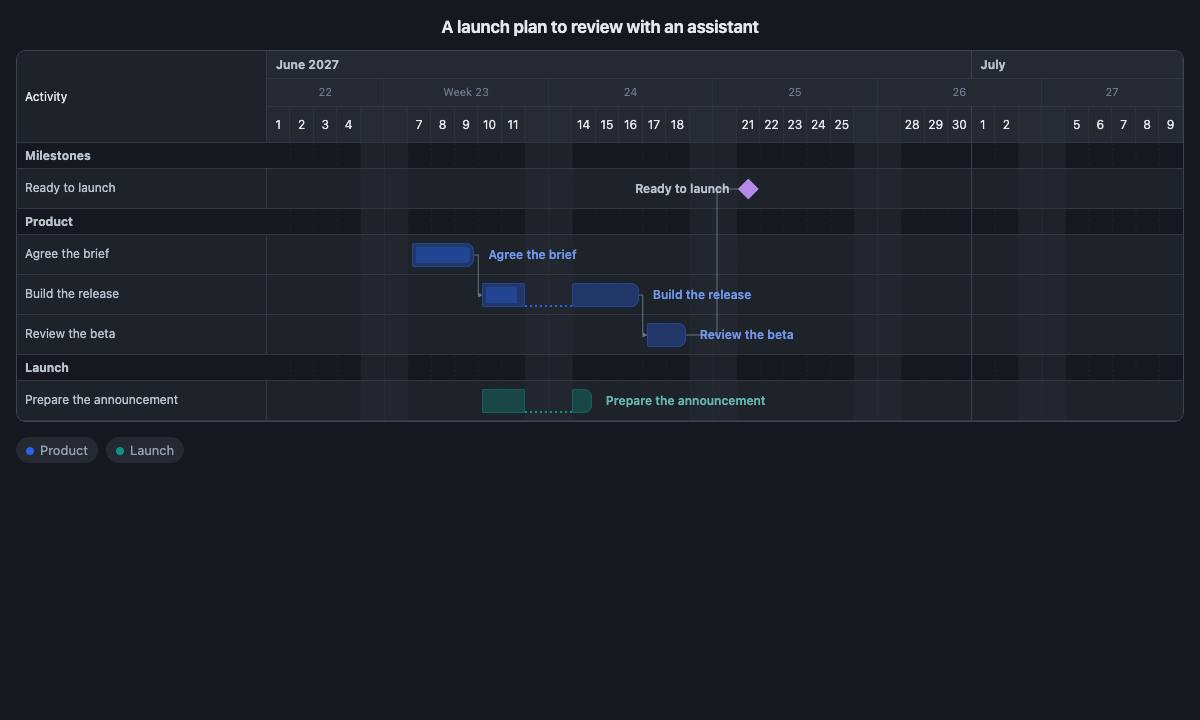
Agent instructions and installationFree
Give your assistant the Tidigar instructions, use the link builder or install the Tidigar
skill.
Update your plan with AITidigar Business · Paid
Connect your assistant through CLI or MCP to read and update your plans in Tidigar Business
or on Tidigar Server.
Plan history with AITidigar Business · Paid
Turn the Gantt slides from past status meetings into one animated plan on a shared
screen.
Converters
Bring an existing table, Mermaid chart or Markdown plan into Tidigar.
 From a spreadsheetPaste rows from Excel, Numbers or Google Sheets and get a roadmap.
 From MermaidTurn a Mermaid Gantt chart into a roadmap you can drag, share and embed.
 From Tidigar MarkdownPaste a complete project with dependencies, milestones and saved views.
Specifications
Use these references for the API, data formats and story calls. To try an animated story first, follow the animated story guide.
APITidigar Business · Paid
Use HTTPS to list, read, create and update plans from your own scripts and tools in Tidigar
Business or on Tidigar Server.
Embed storiesFree
Every call an animated story can make on an embedded roadmap, with its timing and
captions.
Roadmap formatFree
The JSON file behind every roadmap: activities, milestones, dimensions and saved views.
Share linksFree
How a whole plan fits in a link that opens in Tidigar, and how to build one yourself.
MarkdownFree
A readable Markdown form of a roadmap that converts to the file format and back.
Calendar storageFiles and calendars · One-time purchase
Keep a plan in your own calendar with Apple purchases. Read how it is stored so other tools
can work with it.